
Written by Beth Downey


In the age of AI, as more and more people are prompting their favorite agents for the creation of graphics, I have heard my share of horror stories about image submissions for print and digital. The general public has no idea that an image is not simply just an image when it comes to outputting it for print or digital media.
So I am taking it upon myself, your friendly neighborhood graphic designer/website developer, to give the world a primer about images: when to use them, what their color profiles should be, along with their resolution, and what image type is used in what scenario.
WEB
When creating images for the web, they should be an RGB color profile. They should be a small file size, 72 dpi (dots per inch) in order to allow your web page to load fast.
PNG
PNG is short for portable network graphic and are created most of the time in order to use an image that has a transparent background. When AI creates these, often there is a dark gray/light grey checkerboard as the background. This is NOT a true .png file, but that’s what AI outputs because that’s what they look like on a Photoshop canvas with no background present. A png file is a pixel-based raster format. They are usefull in they have lossless compression; they keep all their original image data so quality never drops when they are saved or edited. They are often used for company logos and site icons, digital artwork and detailed instructions, screenshots and graphics with sharp lines.

JPG
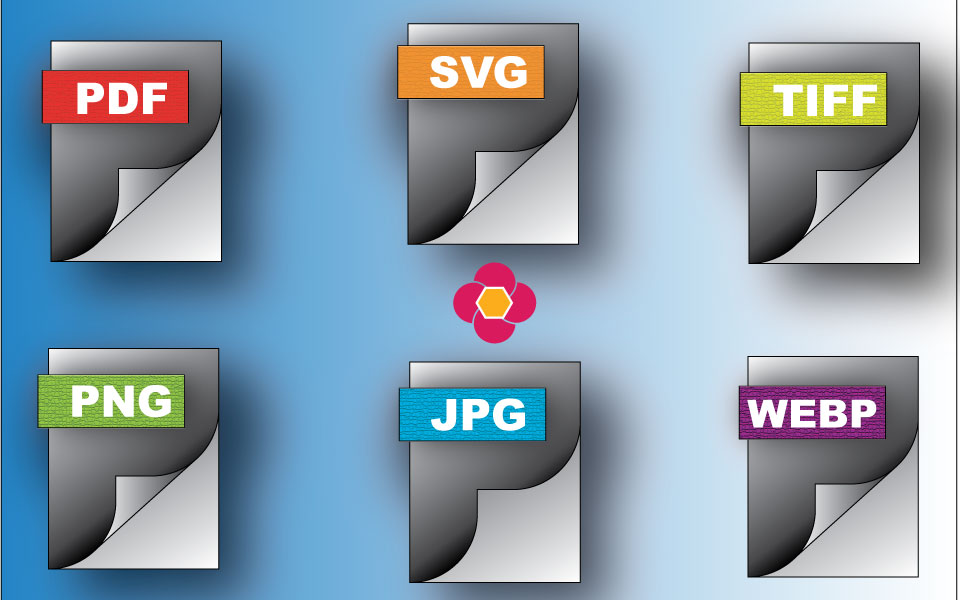
JPG (Joint Photographic Experts Group) or JPEG files are likely the most universally known file format. These files are pixel-based raster formats and used when a transparent background is not required. Resolution of 72 dpi is the usual standard for web use. They are a very popular file format because they reduce file size while maintaining high photographic quality. Best uses are for digital photos, realistic images, and web graphics where small file sizes trump pixel-perfect image precision. These do NOT support transparent backgrounds (like a PNG file). Fun fact: the featured image on this post is a JPEG and I created it from scratch in Adobe Illustrator.

SVG
Scalable Vector Graphics are an XML-based image format used to display two-dimensional vector graphics on the web and other platforms. SVG files use mathematical formulas, lines, points and shapes written in code to render images; formats like JPEG and PNG files use pixel-based raster formats. SVGs are infinitely scalable; they can be resized without becoming pixelated or losing clarity. SVGs are malleable in that they are editable because they are written in text and can be opened and edited with a text editor, and styled with CSS and Javascript. The file type allows for small file sizes as their code-based instruction take up less space than an image reliant on individual pixel data. They are also SEO friendly as search engines can read and index the text embedded in their data. Common uses include company logos and icons, illustrations and UI elements, interactive charts, graphs and maps on the web.
WebP
Google developed WebP in 2010 to replace JPEG, PNG and GIF file types in order to allow web pages to load faster by reducing image sizes while maintaining visible quality. Transparent backgrounds are supported as are moving images, which allows for a lighter alternative than a GIF. As for compression, these can be 25% smaller in file size than a PNG.
Files output for printing should be the CYMK color profile. A resolution of 300 dpi is the usual standard; that is, unless the output is going to be a large format print, such as a billboard or on the side of a trailer being pulled by a semi. Ever been to a concert where the large speakers have imagery draped over them? Those are called “scrims.” Because all of those examples are viewed from a distance and are large format, the image files are often 150 dpi.

TIFF
A TIFF (Tagged Image File Format) is a high-quality raster graphic. It stores detailed image data without quality loss. Because they maintain high resolutions and extra data, TIFF files are much larger than JPEG files. They are a popular file format in the graphic design and photography communities as they are flexible, high quality and have near universal compatibility. JPGs work seamlessly with major operating systems and professional photo software in the Adobe Creative Suite. Even though it is a raster format, it can hold vector information and be read by Adobe Illustrator. The downside of TIFF files is their larger file sizes present challenges for sharing or sending to others. When you hold a magazine in your hand, the images are likely TIFF files in the publication’s digital layout..

PDF, or Portable Document Format, is a universal file type. It allows for images and text to appear the same on a device or computer. These are fixed layouts, or the file type locks fonts, layouts, and graphics so the file never shifts or changes. These can be opened on a Mac, Windows, iOS or Android operating system. A PDF can hold links, buttons, forms, audio, and video. Common uses are legal contracts and official forms, resumes and academic papers, invoices and digital manuals. If you’re distributing a document with a lot of information, a PDF is a good choice.
Enjoy this handy guide for what image to use for what outcome. In short, printing requirements are much different than a graphic you use on a website. Be sure to save this quick reference for future use.