
Written by Beth Downey
Those of us who are sight and hearing-abled can sometimes take for granted that the internet is accessible to us without visual or auditory challenges. The Web Content Accessibility Guidelines (WCAG) are a set of international standards that define how to make web content more accessible to people with disabilities. By following the WCAG, we can ensure that websites are fully usable by everyone, regardless of their abilities.
There are many benefits to making your WordPress website accessible. For one, it can help you avoid legal liability. In the United States, for example, the Americans with Disabilities Act (ADA) requires that businesses that provide goods or services online make their websites accessible to people with disabilities. In some countries, failure to comply with the accessibility guidelines can foster lawsuits.
Making a website accessible can also improve its search engine ranking. Google and other search engines give preference to websites that are accessible to people with disabilities. This means that a website is more likely to show up in search results if it is accessible to all. In short, if your website is not compliant with WCAG standards, you’re missing out on an entire segment of customers, especially when your website is penalized by ranking due to non-compliance.
Despite all of these reasons, 2025’s WebAIM Million Report report is eye-opening: only 5.2% of the top million websites meet basic accessibility standards. A whopping 94.8% are not compliant to meet current Web Content Accessibility Guidelines, the standards for compliance with the ADA, state laws, Section 508, and the European Accessibility Act.
WCAG 2.2 Guidelines
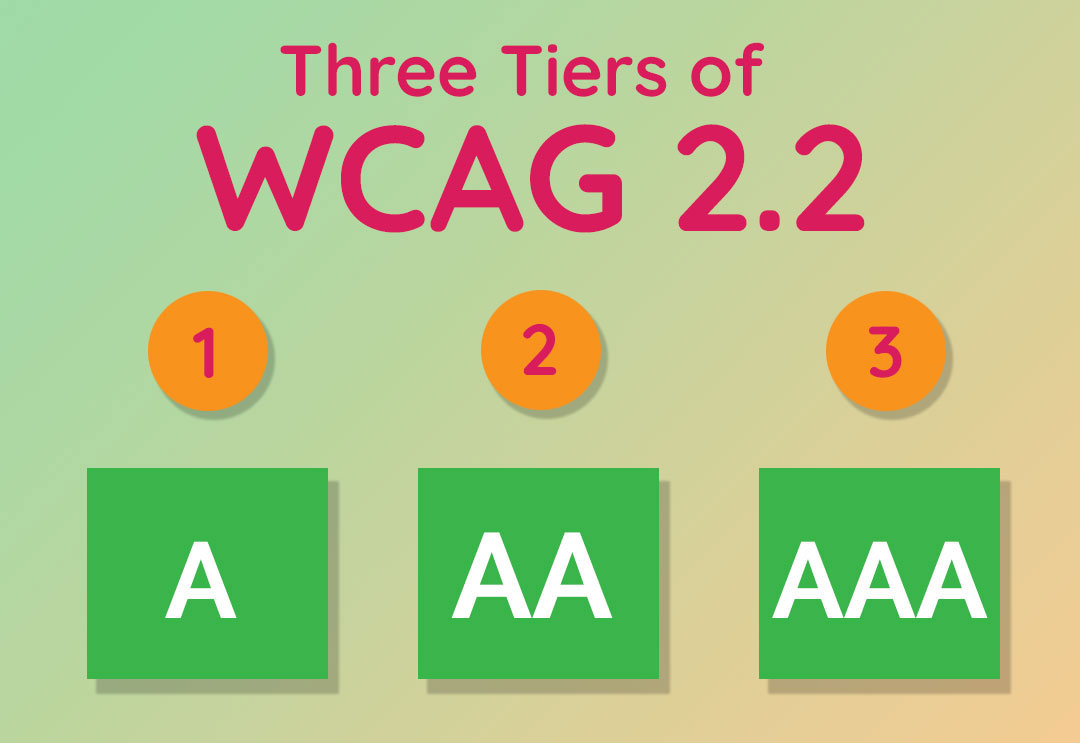
There are three tiers of WCAG 2.2 Guidelines:

- Tier A – is the minimum level. Must have.
- Tier AA – includes all Level A and AA requirements. Many organizations strive to meet Level AA. Should have.
- Tier AAA – includes all Level A, AA, and AAA requirements. Good to have.
The Guidelines are organized by four key principles; you can remember them by their acronym: P.O.U.R.
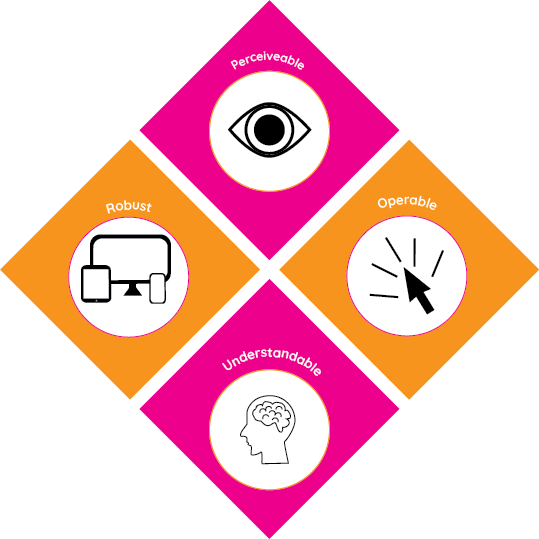
- Perceivable: Information and user interface components must be presentable to users in ways they can perceive.
- Operable: User interface components and navigation must be operable by all users.
- Understandable: Information and the operation of the user interface must be easy to comprehend.
- Robust: Content must be reliable enough to work with current and future assistive technologies
How to Make Your WordPress Website Accessible and WCAG 2.2 AA Compliant:
There are many things you can do to make your WordPress website accessible. Most websites aim for WCAG 2.2 AA Compliance. Here are a few tips for achieving this score:
- Choose an accessible theme. When you’re choosing a WordPress theme, make sure to choose one that has been tested for accessibility. There are specific themes available that are designed to be accessible, but you must do your homework.
- Use accessible fonts and colors. Make sure that the fonts and colors you use on your website are easy to read for people with vision impairments. You can use a contrast checker to help you make sure that your text and background colors have enough contrast for sight challenged individuals including those with color blindness.
- Add alt text to images. All images on your website should have alt text that describes the image. This is helpful for people who use screen readers or who have low vision.
- Use headings and labels via semantic HTML. Headings and labels help people with cognitive disabilities understand the structure of your website. Use headings to organize your content and use labels to identify forms, tables, buttons and other elements on your website.
- Make sure that all of the forms on your website are accessible to people with disabilities. This includes using labels for all form fields, providing clear instructions, and making sure that the form fields are large enough to be easily read and entered.
- Have your website tested for accessibility. Once an accessibility test has been performed on your website, make any necessary changes to improve its accessibility score.
To bring your site to WCAG 2.0 AA compliance there are a few simple steps to follow: identify gaps, apply fixes, set standards for content managers, continue to test regularly, and employ experts if necessary.
By following these tips, you can make your WordPress website more accessible to people with disabilities. This is a best practice for all websites; it can help you avoid legal liability, improve your search engine ranking, and make your website more inclusive.
Ensuring your website is accessible to all is simply the right thing to do. Everyone deserves to access information and services offered online. Let’s make the web a place for everyone.
Have questions about whether your website meets WCAG accessibility standards? Reach out for an accessibility scan today and discover how to make and keep your website compliant.
You can also book a half hour with me to speak about your website.